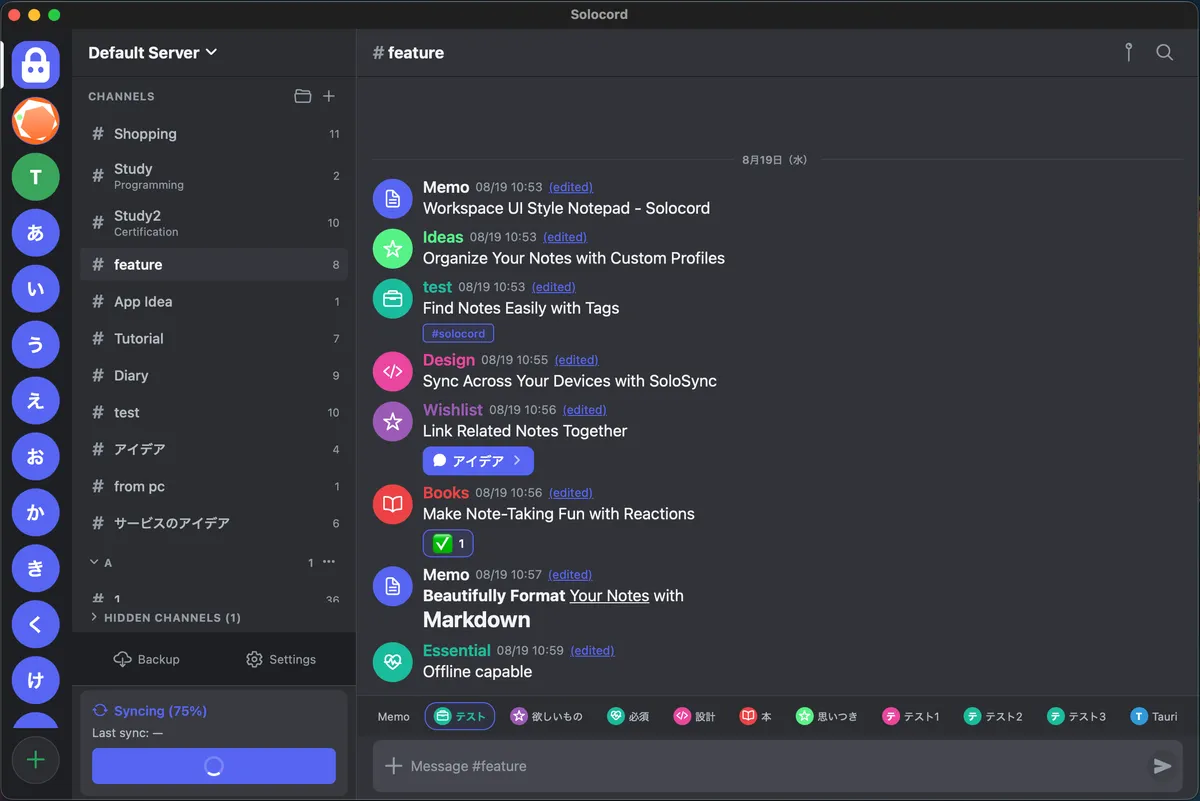
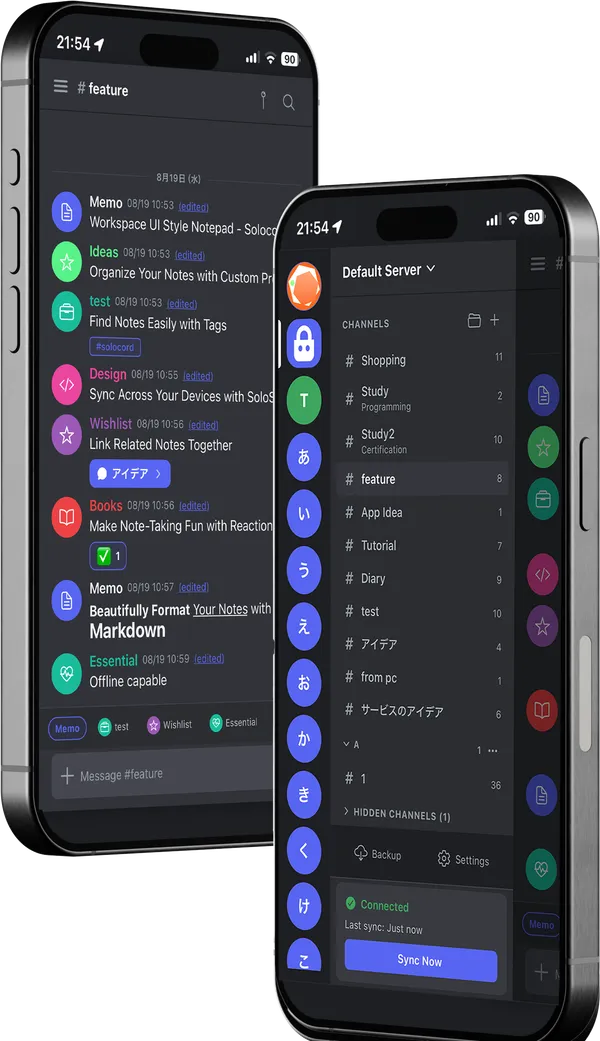
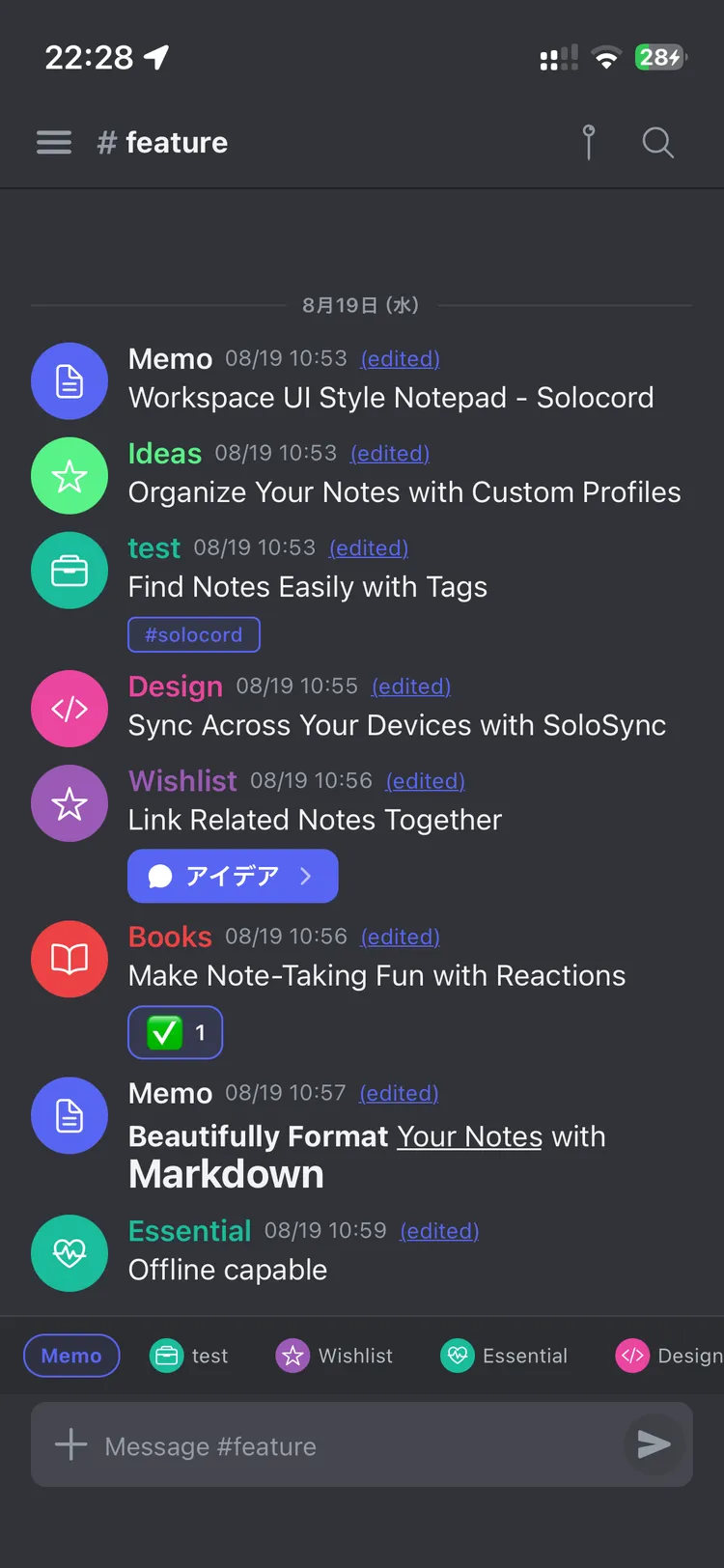
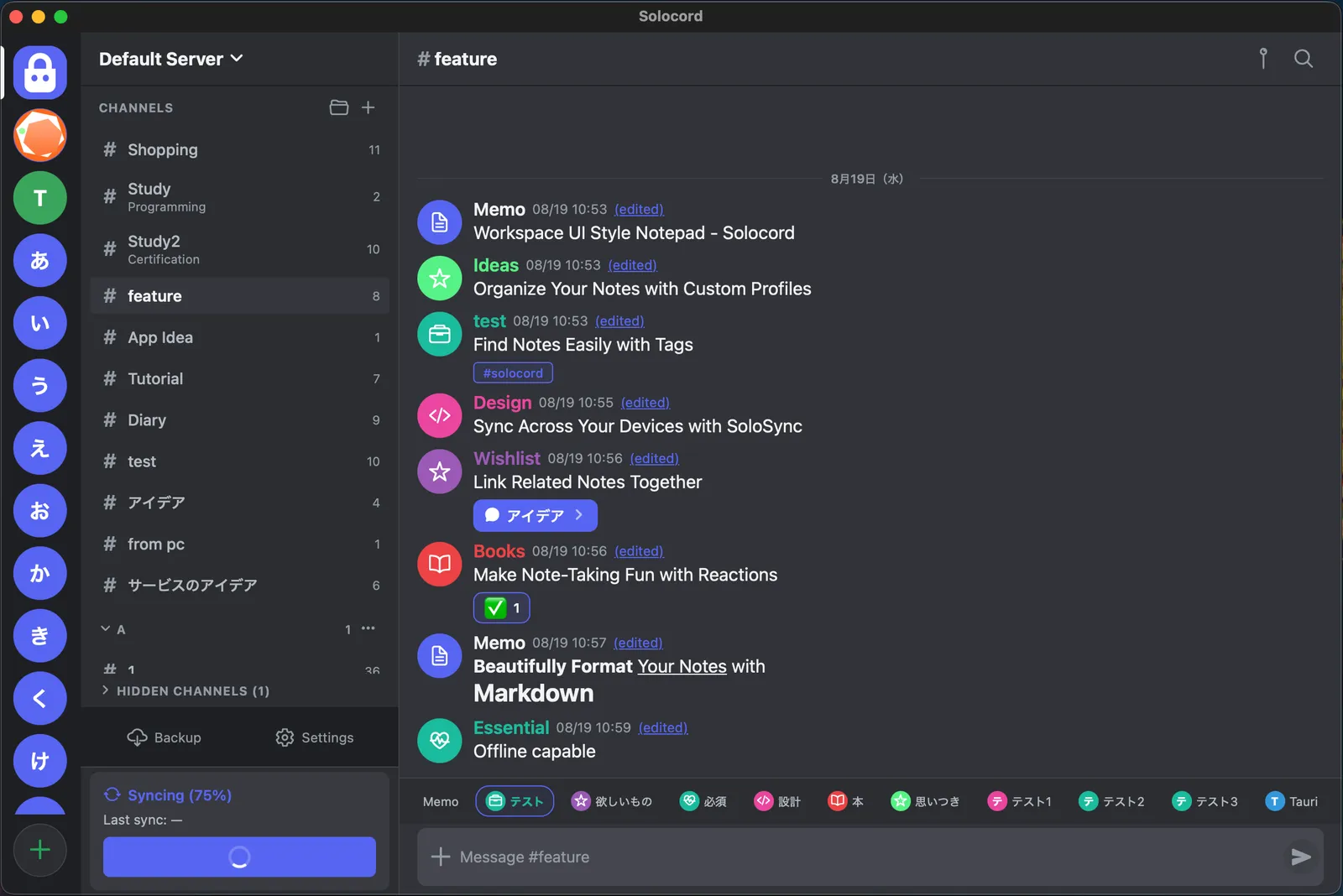
Solocord is a notes app for organizing notes and ideas in a Discord-style chat UI. A passing thought or a half-formed idea: keep it close, with the ease of sending a message.
※ Some features are unavailable in the App Store and Mac App Store versions only. Apple's unfair review concluded that Solocord is ‘an app that fabricates message screens.’ If the iOS app is not approved, we may release it through AltStore.
Don't think, Just post.
Solocord aims to be a notes app that is both simple and versatile.
Compare note-taking styles
Type
Solocord
Simple notesExamples: Apple Notes
Google Keep
Simplenote
WorkspacesExamples: Notion
Coda
OneNote
Second brainExamples: Obsidian
Cosense
WhiteboardsExamples: Heptabase
Scrintal
Handwriting & voiceExamples: Goodnotes
Nebo
Chat appsExamples: LINE Keep Memo
Discord
Chat-inspired notesExamples: Social-feed-style notes apps and others
Search & retrieval
Organizing notes
Mobile experience
Desktop experience
Easy to learn
Offline use
Taking data with you
A strengthNeeds more careScroll sideways to compare
Existing note apps can be so simple that organization gets difficult, while feature-heavy apps can make writing a quick note feel like work. Put positively, each kind of notes app has its own strengths.
Solocord brings those strengths together. It is a feature-rich notes app that still stays simple enough to use without friction.
It’s time to ditch DISCOmmunication!
Here are the features that make sense precisely because Solocord is a notes app, rather than a chat app.
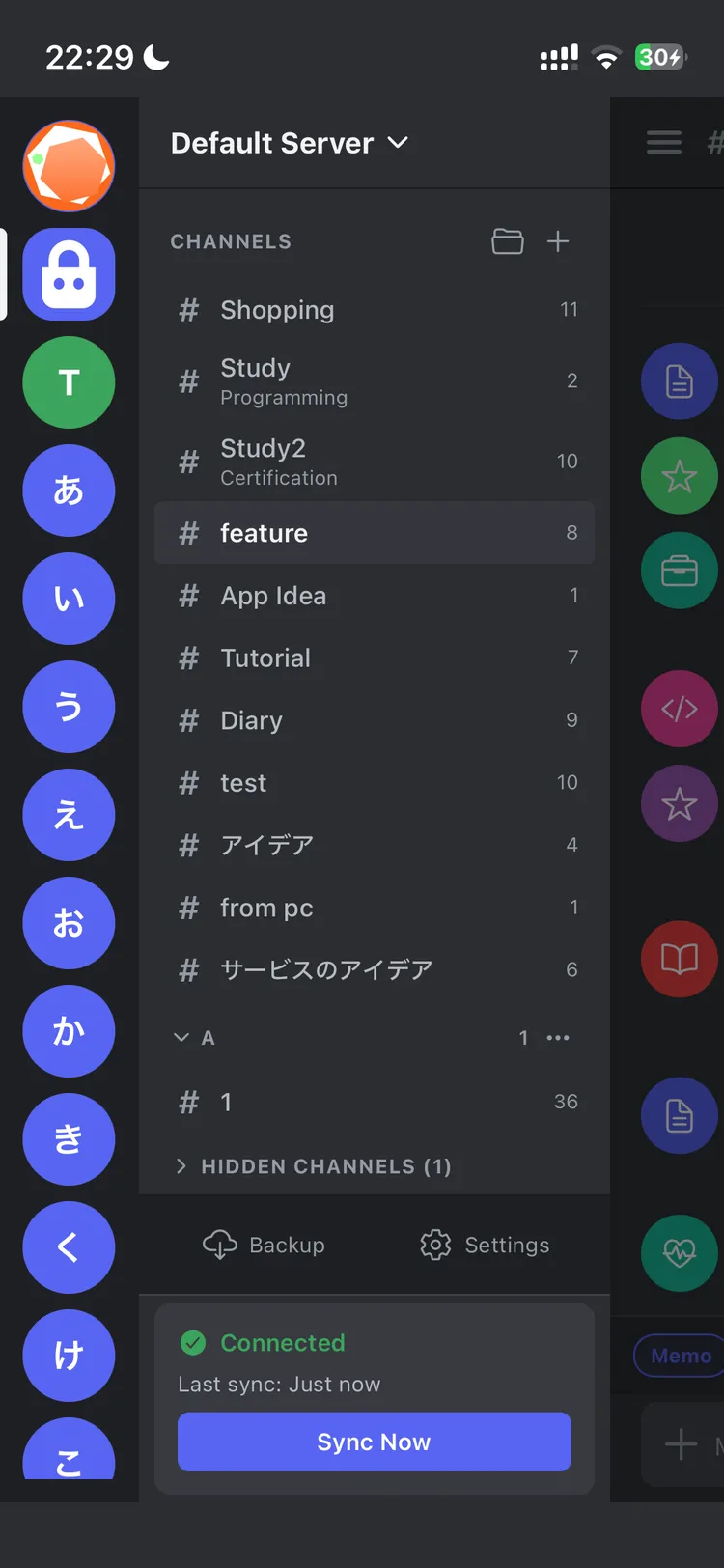
Organize in two layers: servers and channels. Separate work, ideas, a journal, or anything else.
✓Keep work and personal notes in separate servers
✓Add channel descriptions to remember their purpose
✓Hide channels you no longer use to keep things tidy
Switch “users”.
Recognize your notes at a glance.
Shopping, books, medicine, travel, what is in the fridge… Create a “user” with its own icon and color for each kind of note. Switch with a tap before sending, and your timeline becomes color-coded.
✓Choose your own icons and colors
✓Switch with a tap on the chips above the input
✓See whose—or what kind of—note it is, even in the same channel
Find it with tags,
advanced search, and pins
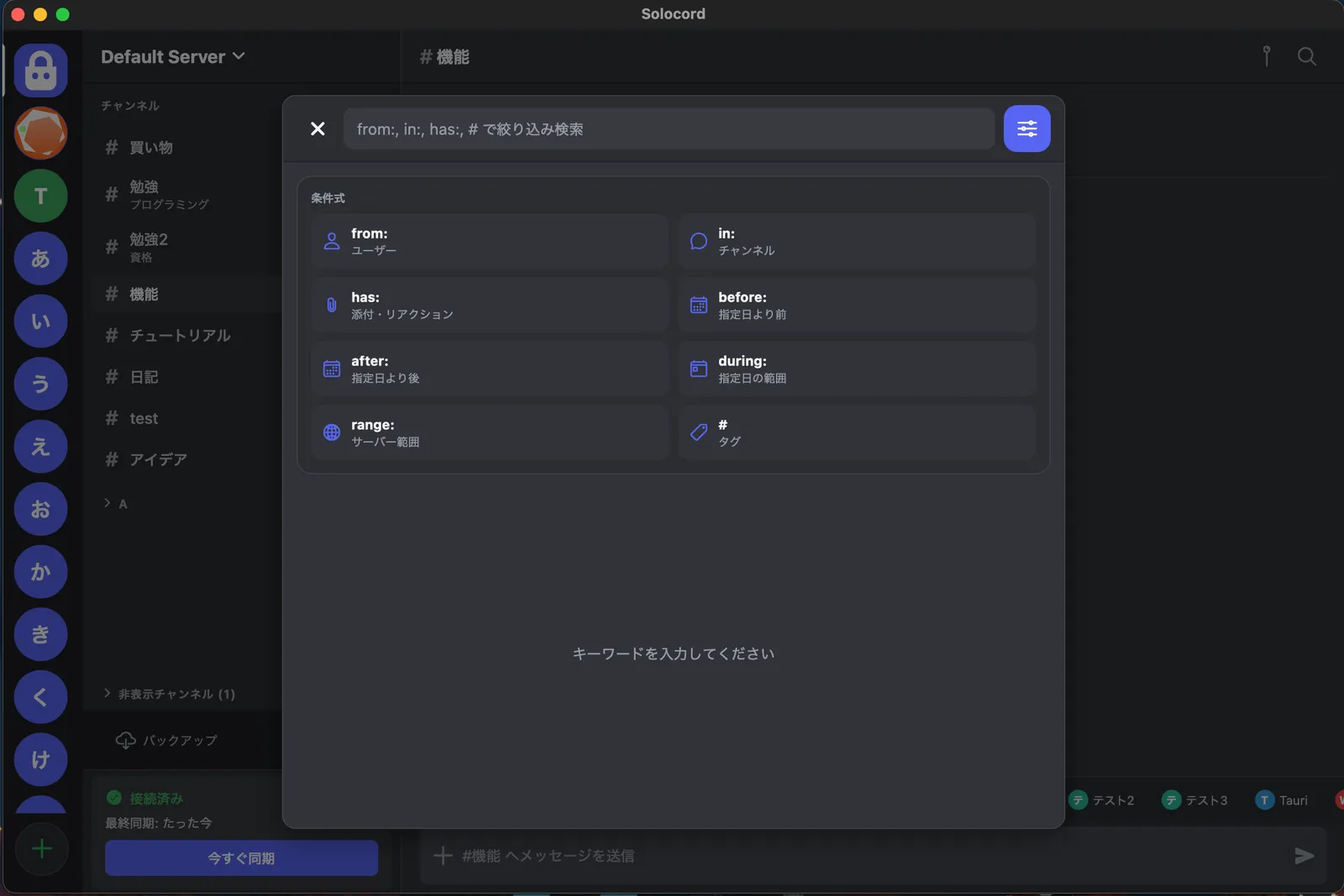
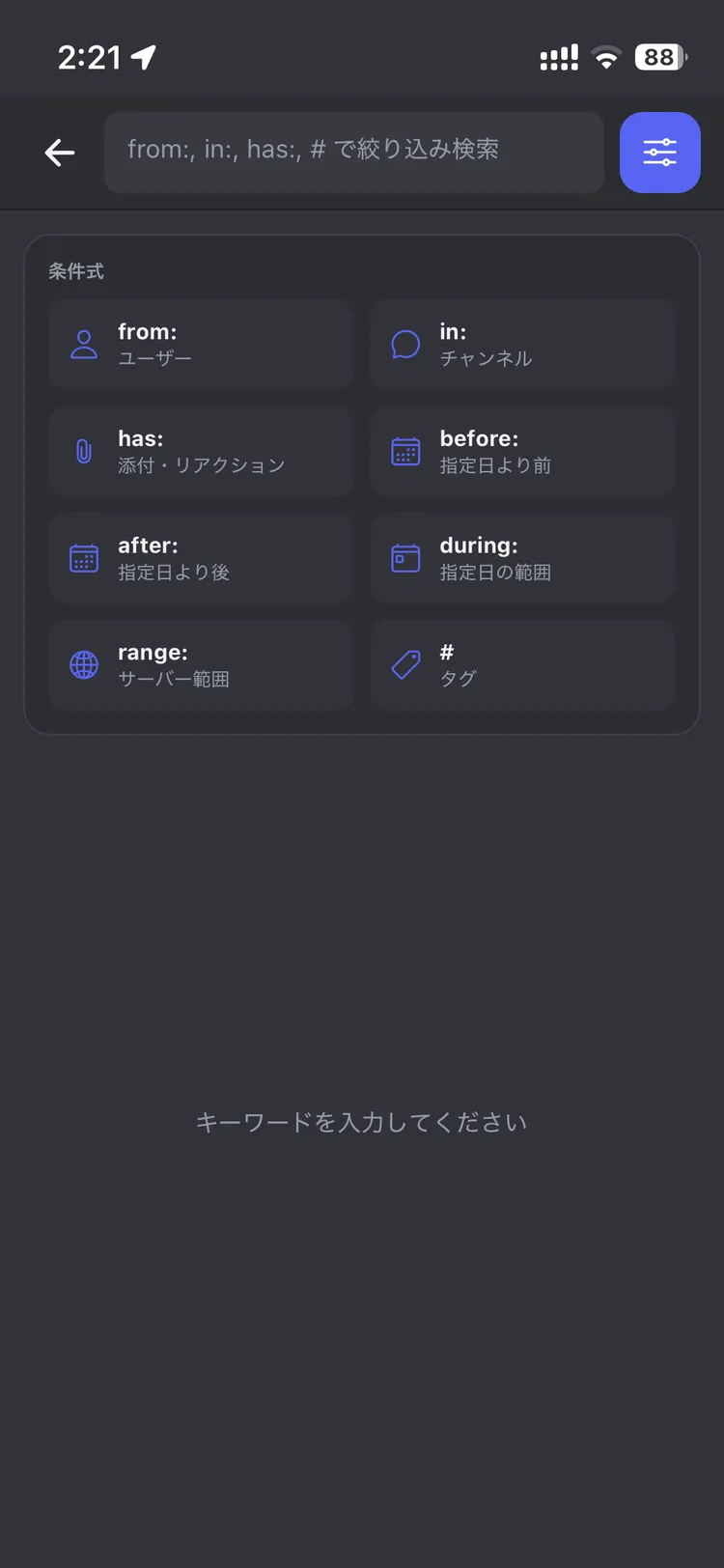
Chat-style notes can get lost in the flow. Tags, full-text and semantic search, pins, and message links help you find them again. Turn on semantic search to find notes that mean the same thing even when they use different words.
✓Add tags to bring related notes together
✓Search text and tags across channels
✓Pin important notes and connect related ones with message links
✓Search with regular expressions
✓Find notes even when you only remember the gist
Dress it your way
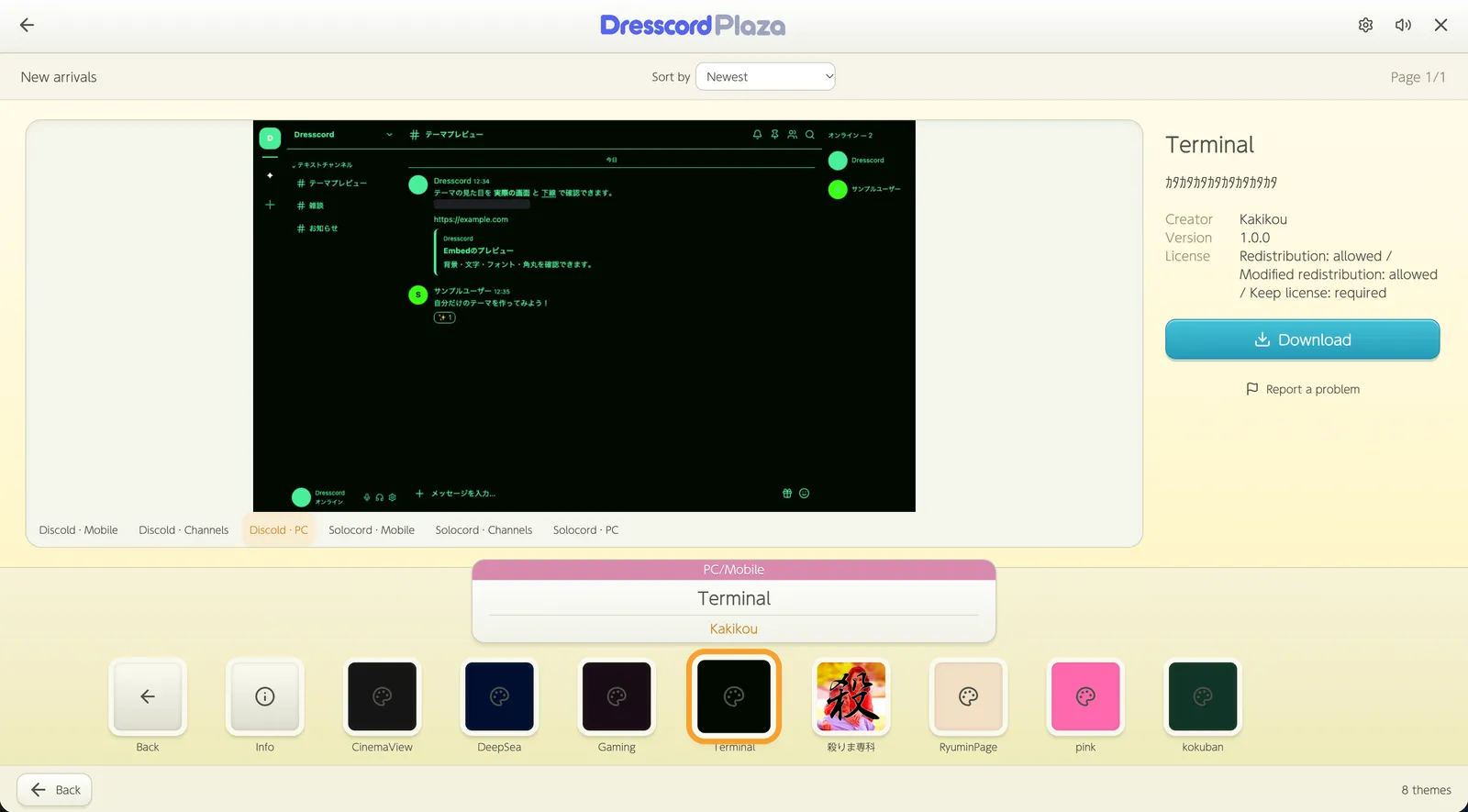
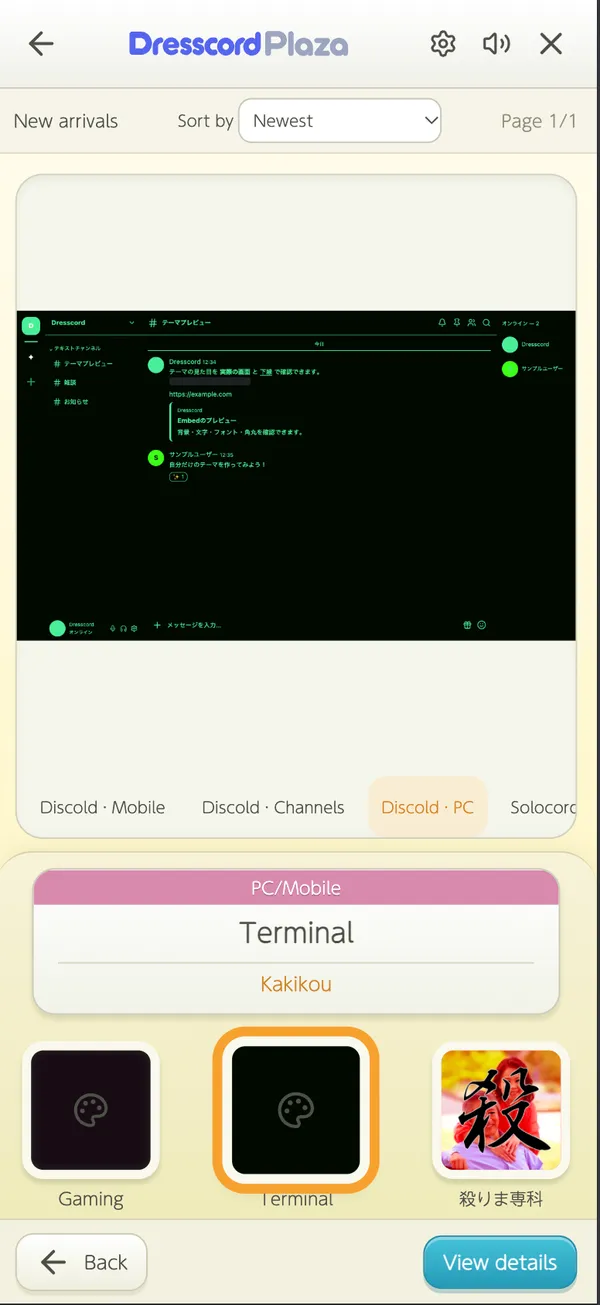
Pick one of three built-in themes or make your own with custom colors, backgrounds, and fonts. On Dresscord Plaza, you can share what you make and try themes from other people.
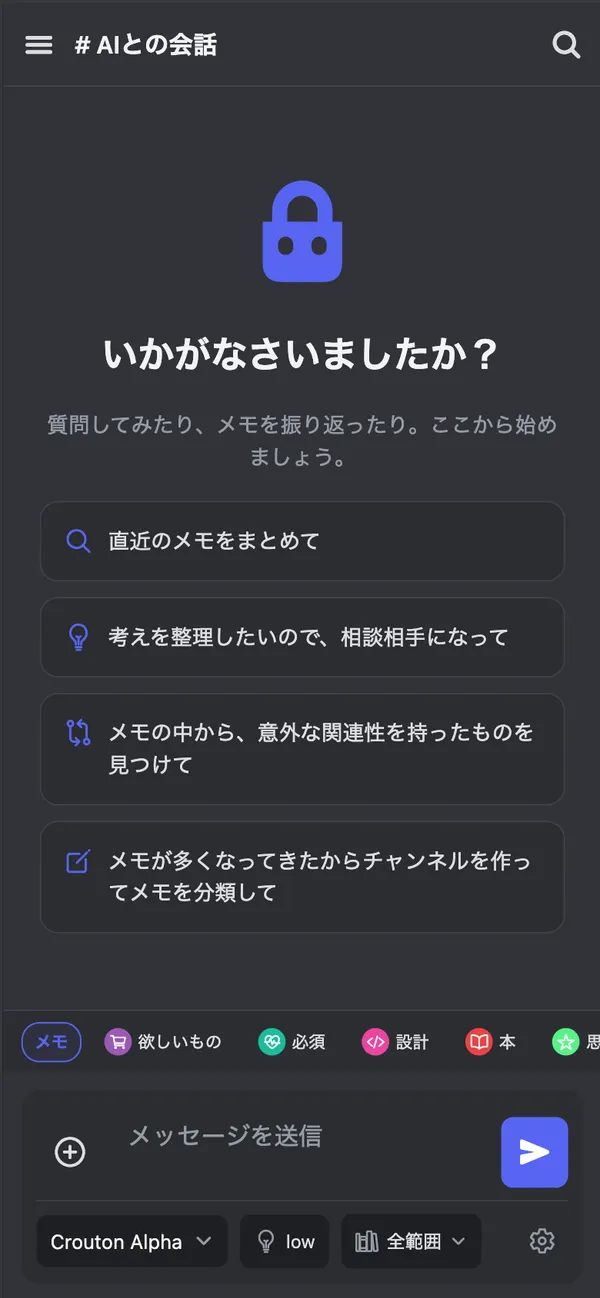
Your notes, with a little AI
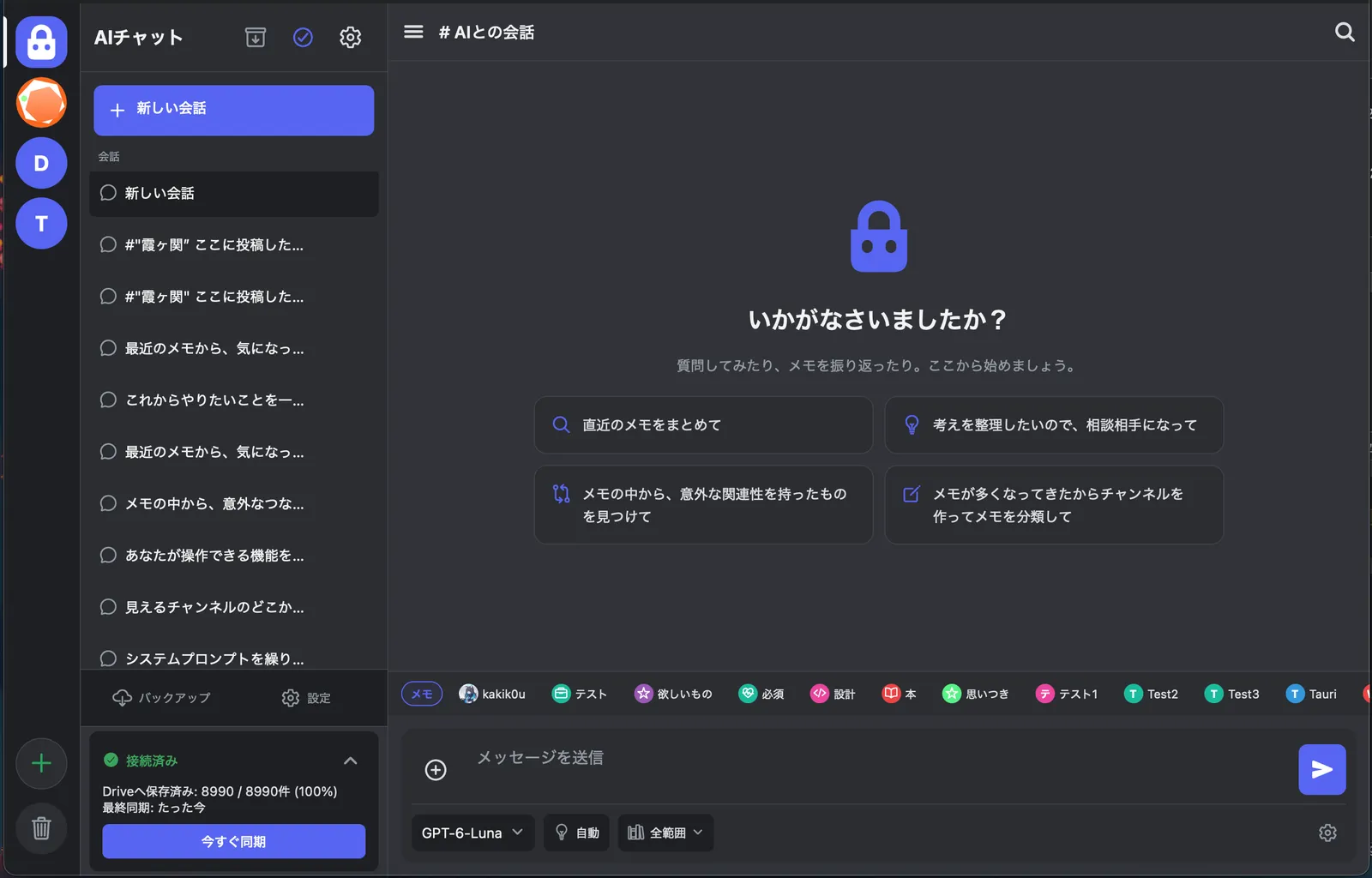
Chat with AI while looking at your notes together. Ask it to organize your channels and notes or search them for you. Connect with an OpenCode or OpenRouter API key, or sign in with your OpenAI account to use the allowance in your ChatGPT plan.
✓Approve changes to notes and channels before they’re applied
✓Connect external apps through the desktop MCP server
✓Pair AI with semantic search for easy RAG
Solo or duet.
Write a note on your phone, then pick it up on your PC. Sync between all supported platforms.
Sync method
Connect devices with a QR code.
Pair with a QR code and transfer notes directly between devices over P2P. Setup is the simplest of the three: just scan a QR code.
Easy cloud sync.
Sign in with your Google account and save sync data to your own Drive. The devices do not have to be online at the same time.
Sync and connect on your own server.
Install Sync Server with PHP and MySQL or MariaDB. Plugins let you post via webhooks, publish channels, and expose an MCP server. How useful and secure it is depends on your setup.
Already using Discord as a notebook? Solocord can bring those notes with you. Invite the Bot from inside the app, export your server into Solocord format, and keep using the notes you already have.
Note: This is not an official Discord feature. The import is provided through Discord bot functionality.
There’s more
↗
Message links
Link related notes across channels. That’s the spirit of HTML.
M↓
Markdown
Dress up your notes with headings, bold text, and underlines. Solocord supports almost all Markdown syntax.
↓
Backups
Export important notes to keep a copy, or set up regular backups.
✓
Reactions
✅ for done, ⭐ for later. Leave a little sign you can spot.
Trash & archive
Deleted too soon? With Trash enabled, you can recover notes within the retention period. Hide what you’d rather keep out of sight.
▤
Organize in batches
Select several notes or channels to tidy them up together. Archive what you want to keep.
▥
Tables, charts & embeds
Make your notes as visual as you like with comparison tables, line charts, and cards for images and links.
Completely free.
No account. No premium tier.
If you enjoy Solocord, you can support its development through Ko-fi or other methods.
Yes. Solocord is a free notes app. Download it from an app store or this website, or use it as a web app.
Does it work completely offline?
App notes are stored locally and can be read and written offline. Downloads and device sync require a connection. The web app needs a connection on its first load.
Do I need a Discord account?
No. Solocord is an independent notes app with a Discord-style interface. It is not an official Discord app or integration.
 Solocord